

Download Blue Jeans – Secure Video Conferencing for Businesses
Overview
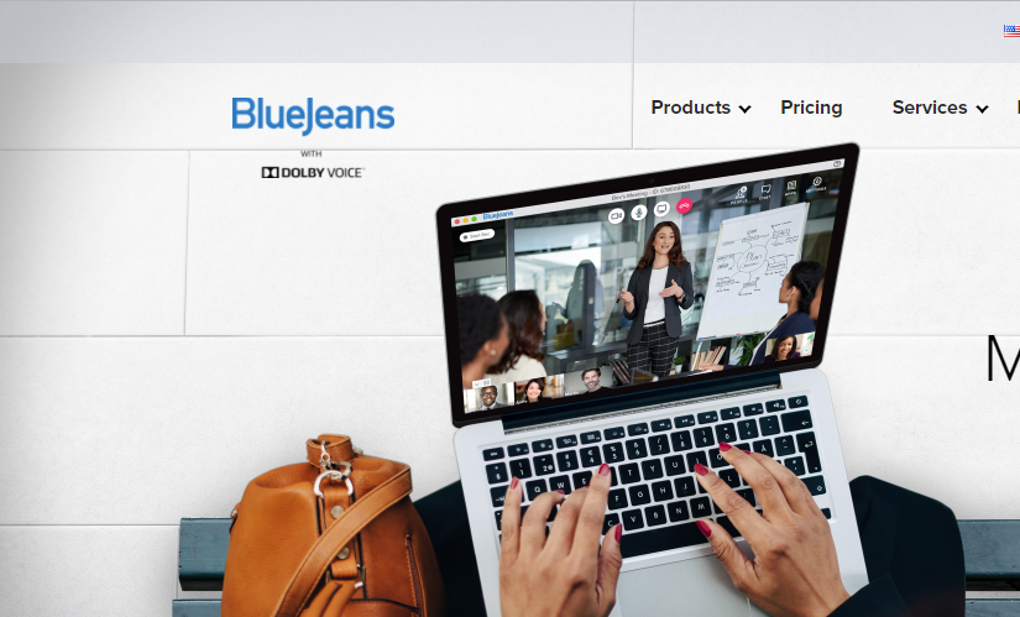
Blue Jeans is a smart, enterprise‑grade video‑conferencing platform built specifically for corporations of any size. Whether a company employs a handful of remote freelancers, a mid‑sized sales team spread across several offices, or a global workforce of thousands, Blue Jeans delivers a reliable, secure meeting environment that replaces the need for physical travel. The software enables staff to join board meetings, project briefings, client presentations, and training sessions from any device—desktop, laptop, tablet, or smartphone—without compromising on video quality or data protection.
Blue Jeans also supports multi‑regional collaboration, allowing participants in different time zones or countries to connect through a single, unified interface. While the feature set is extensive and powerful, first‑time users may encounter a modest learning curve, especially if they have never handled advanced conferencing tools. To ease this transition, Blue Jeans offers a 30‑day free trial, giving organizations ample time to test its capabilities, evaluate integration with existing workflows, and decide whether the paid subscription aligns with their budget and security policies.
Overall, Blue Jeans positions itself as a robust alternative to mainstream platforms, promising high‑definition video, encrypted data streams, and a suite of productivity tools designed for corporate environments.
Key Features & Benefits
- End‑to‑End Encryption: All video, audio, and screen‑share data are encrypted in transit and at rest, meeting strict corporate compliance standards such as GDPR, HIPAA, and SOC 2.
- HD Video & Adaptive Bandwidth: Supports up to 1080p video with automatic bitrate adjustment, ensuring smooth meetings even on slower connections.
- Integrated Calendar Sync: Syncs with Microsoft Outlook, Google Calendar, and Apple Calendar to automatically schedule and launch meetings with a single click.
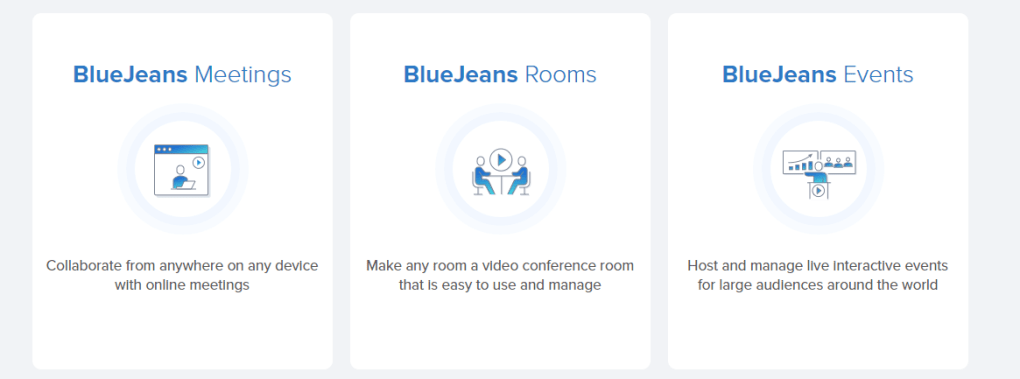
- Large‑Scale Rooms: Host webinars and town‑hall meetings for up to 10,000 attendees, complete with moderated Q&A, polling, and breakout rooms.
- Screen Sharing & Collaboration Tools: Real‑time whiteboard, annotation, and document co‑editing allow teams to brainstorm as if they were in the same room.
- Enterprise SSO & Directory Integration: Supports SAML, Azure AD, Okta, and LDAP for seamless single sign‑on and user provisioning.
- Recording & Transcription: Automatic cloud recording with AI‑generated transcripts, searchable keywords, and secure storage for compliance audits.
- Mobile Apps for iOS & Android: Full‑featured mobile clients let users join meetings on the go, with push notifications and low‑latency audio.
- Custom Branding: Companies can apply their own logos, color schemes, and welcome screens to reinforce brand identity during every call.
- Analytics Dashboard: Detailed usage reports, participant engagement metrics, and performance insights help IT and HR teams optimize remote collaboration.
These capabilities translate into tangible business benefits: reduced travel costs, faster decision‑making, and improved employee satisfaction for remote or hybrid workforces. The platform’s security focus reassures C‑suite executives that confidential board discussions stay private, while the extensive integration options mean Blue Jeans can slot into existing tech stacks without disrupting current processes. Moreover, the ability to host massive virtual events opens new marketing and training avenues that were previously limited by physical venue constraints.
Installation, Usage & Compatibility
Getting started with Blue Jeans is straightforward thanks to its cross‑platform installer and clear documentation. After registering for the 30‑day free trial on the official website, users receive an email with a unique download link. The installer is available for Windows 10/11 (64‑bit), macOS 10.15 and later, as well as iOS 13+ and Android 8+. For enterprise deployments, administrators can use MSI packages for Windows or PKG files for macOS to push the application via Microsoft Endpoint Manager, Jamf, or similar tools.
- Download the installer: Click the “Download for Windows” (or macOS, iOS, Android) button on the trial page.
- Run the setup: Follow the on‑screen prompts—accept the license agreement, choose the installation folder, and let the installer configure required services.
- Sign in with corporate credentials: On first launch, select “Enterprise SSO” and enter your company email. The app authenticates against your organization’s identity provider.
- Configure audio/video devices: In the Settings menu, select preferred microphones, speakers, and cameras. Blue Jeans automatically runs a test call to verify quality.
- Schedule a meeting: Use the built‑in calendar integration to create a new meeting, set a password, and invite participants via email or a shareable link.
- Join a meeting: Click the meeting link, or open the app and enter the meeting ID. The platform will join the call with encrypted media streams.
For organizations that require a browser‑only experience, Blue Jeans also offers a WebRTC‑based client that works on the latest versions of Chrome, Edge, Firefox, and Safari without any plug‑ins. This flexibility ensures that even users on locked‑down corporate devices can participate without additional software installations. After the trial period ends, users must select a subscription tier—Standard, Professional, or Enterprise—each offering varying levels of participant capacity, recording storage, and support options. Upgrading is handled through the admin portal, where billing is processed securely via credit card or corporate invoicing.
Pros and Cons
Pros
- Robust end‑to‑end encryption meets strict corporate compliance.
- High‑definition video with adaptive bandwidth for stable calls.
- Comprehensive integration with Outlook, Google Calendar, and SSO providers.
- Scalable rooms support up to 10,000 participants for large events.
- Built‑in analytics and recording with AI transcription.
- Cross‑platform availability (Windows, macOS, iOS, Android, Linux web).
- Custom branding enhances professional appearance.
Cons
- Feature‑rich interface can be overwhelming for first‑time users.
- Pricing after the free trial may be higher than basic competitors.
- Full‑featured desktop client requires 2 GB of RAM minimum.
- Advanced admin controls need dedicated IT resources for setup.
- No native integration with some niche project‑management tools (e.g., Asana).
Frequently Asked Questions
How secure is Blue Jeans for confidential board meetings?
Blue Jeans uses AES‑256 encryption for all media streams and data at rest, complies with GDPR, HIPAA, and SOC 2, and offers optional meeting passwords and waiting rooms to further restrict access.
Can I use Blue Jeans on a mobile device?
Yes. Native apps are available for iOS (iPhone & iPad) and Android, delivering the same feature set—including screen sharing, recording, and breakout rooms—as the desktop client.
What happens after the 30‑day free trial expires?
You’ll need to purchase a subscription plan (Standard, Professional, or Enterprise). The admin portal allows you to upgrade, downgrade, or cancel before the trial ends to avoid any interruption.
Does Blue Jeans integrate with Microsoft Teams or Zoom?
Direct integration is limited, but you can join a Blue Jeans meeting from Teams or Zoom via a shared URL. For deeper workflow integration, use calendar sync and SSO to keep user identities consistent across platforms.
Is there a limit to the number of participants in a standard meeting?
The Standard plan supports up to 300 participants, while Professional and Enterprise tiers raise that limit to 1,000 and 10,000 respectively, making it suitable for both team meetings and large‑scale webinars.
Conclusion & Call to Action
Blue Jeans delivers a compelling blend of security, scalability, and collaboration tools that make it a strong contender for any organization looking to modernize its remote‑working strategy. While the learning curve may be a hurdle for novices, the extensive documentation, 30‑day free trial, and robust admin controls help teams get up to speed quickly. Companies that prioritize data protection, need large‑scale meeting capacity, or require deep integration with corporate identity systems will find Blue Jeans especially valuable. If you’re ready to eliminate travel costs, keep boardroom discussions confidential, and empower a globally distributed workforce, click the button below to start your free trial today.
Download Blue Jeans Free TrialOverall Rating: 4.5 / 5
Blue Jeans stands out for its enterprise‑grade security and ability to host massive virtual events. The platform’s comprehensive feature set justifies the higher price point for organizations that need reliable, compliant video conferencing. New users may need a brief onboarding period, but the long‑term productivity gains are well worth the investment.







